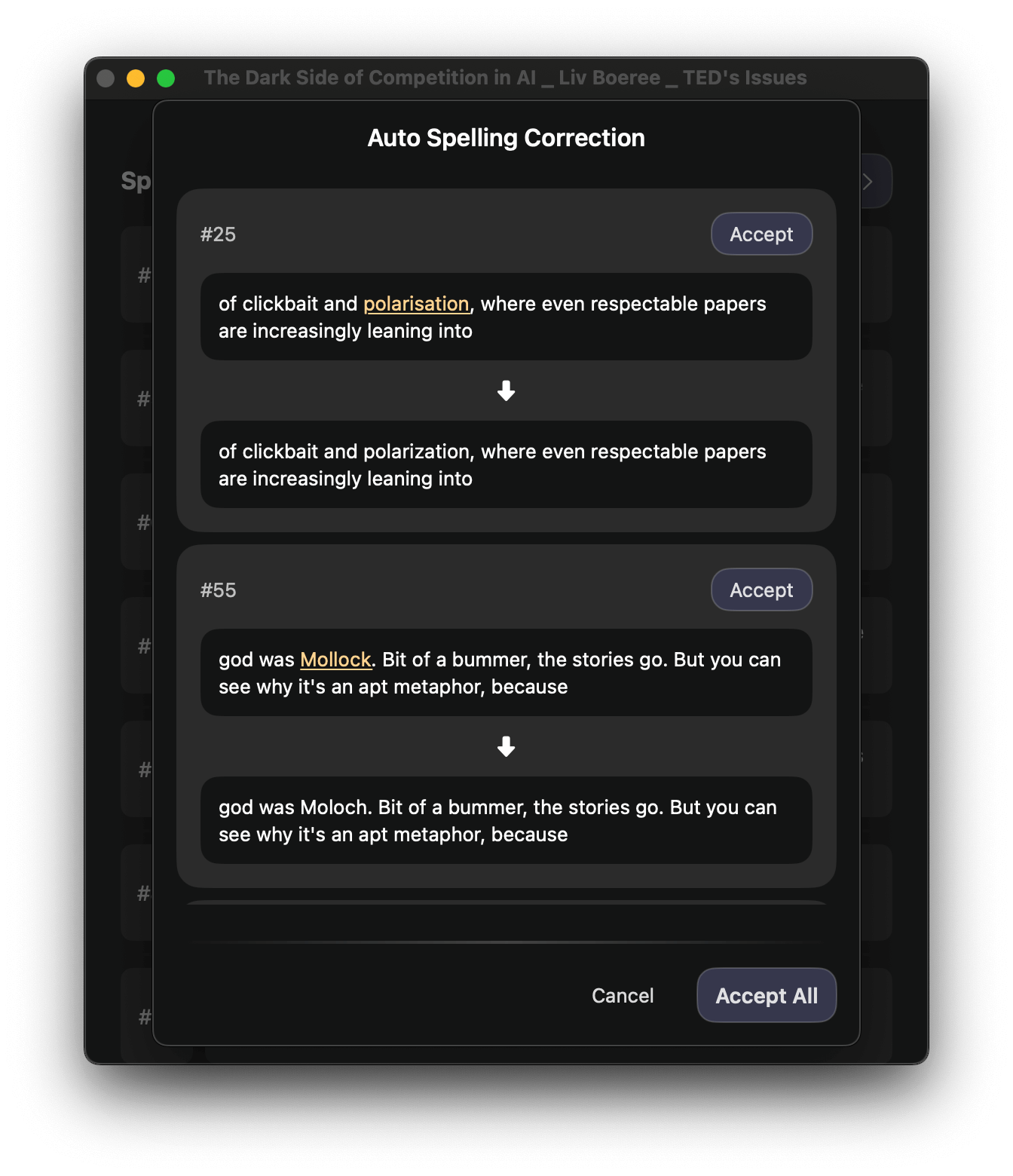
SubEasy comes with built-in AI spelling and grammar checking, allowing you to spot and fix subtitle issues quickly, accurately, and automatically—without needing to review each line by hand.
Spelling & Grammar Checking
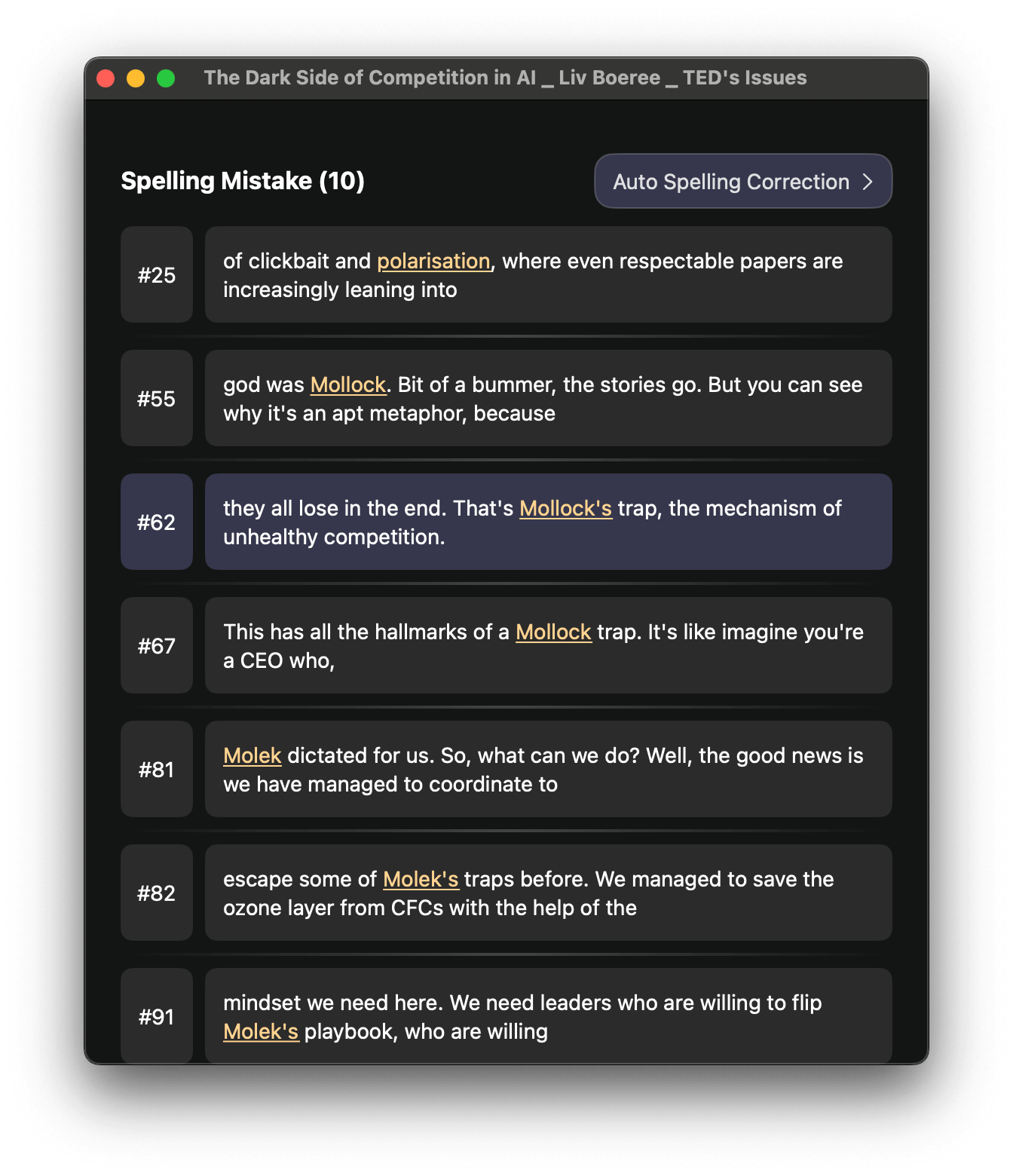
SubEasy automatically analyzes your subtitles and highlights potential issues — spelling mistakes, incorrect grammar structure, repeated words, and common transcription errors.
Import your subtitle file into SubEasy (.srt, .vtt, etc.)
Open the Issues window
You’ll see all spelling and grammar issues listed in one place, neatly organized for review
Auto-Fixing for Instant Corrections
With one click, SubEasy can fix these detected issues automatically, while preserving subtitle timing and line format.
The Glue End-to-End mode is perfect when you have subtitles that belong to different parts of a video and want them combined into a single continuous subtitle file.
Press Auto Spelling Correction
SubEasy will fix typos and grammar issues
It respects context, terminology, and timestamps — so your subtitles remain synced and accurate.