Using advanced algorithms and layout models, subtitle reflow automatically adjusts subtitle text to improve its display and readability. In this guide, we’ll walk you through how subtitle reflow works and why it’s a game-changer for anyone who creates videos with subtitles.
What is Subtitle Reflow?
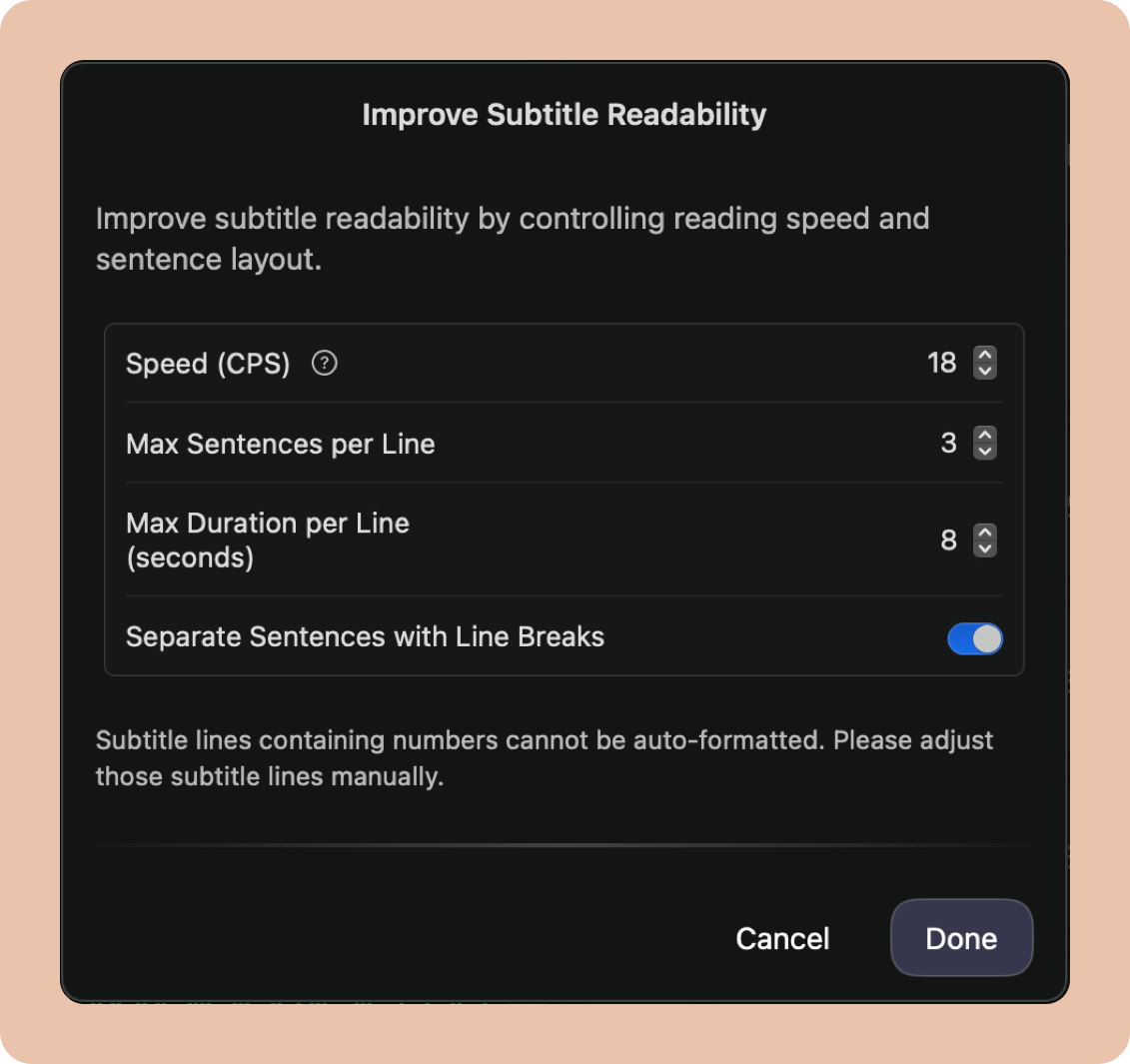
Subtitle reflow is a process that automatically rearranges and adjusts subtitle text for better readability. By considering factors such as characters per second (CPS), display duration, and line breaks, reflow ensures that subtitles are optimized for comfortable reading during video playback. This is especially useful for content with fast-paced dialogue, different screen sizes, or varying subtitle lengths.
How Subtitle Reflow Improves Readability:
1. Optimizing for CPS (Characters Per Second)
One of the first things subtitle reflow does is check the characters per second (CPS) of each subtitle line. CPS refers to how many characters appear per second on the screen. If a subtitle exceeds the ideal CPS range, it can become difficult for viewers to read it in time. To fix this, subtitle reflow breaks long subtitles into parts, ensuring they fit within the optimal CPS range for better readability.
2. Adjusting Display Duration for Each Line
The display duration of subtitles is crucial for a smooth reading experience. If a subtitle stays on the screen for too long or disappears too quickly, it can be hard for viewers to keep up. Subtitle reflow adjusts each line of subtitles to be displayed for an ideal duration—not too short, not too long—allowing users to read at a natural pace.
3. Removing Awkward Line Breaks
One of the most frustrating aspects of poorly formatted subtitles is awkward line breaks. For instance, breaking a sentence in an unnatural place can disrupt the flow of dialogue. Subtitle reflow eliminates these awkward breaks, ensuring that subtitles are split in a way that makes sense both visually and contextually.
4. Adding Line Breaks for Better Readability
To further enhance readability, subtitle reflow adds appropriate line breaks where needed. This makes the subtitles more evenly spaced and visually appealing, reducing clutter and making them easier to follow. By distributing the text over multiple lines in a clean, balanced way, subtitles become far more readable.
