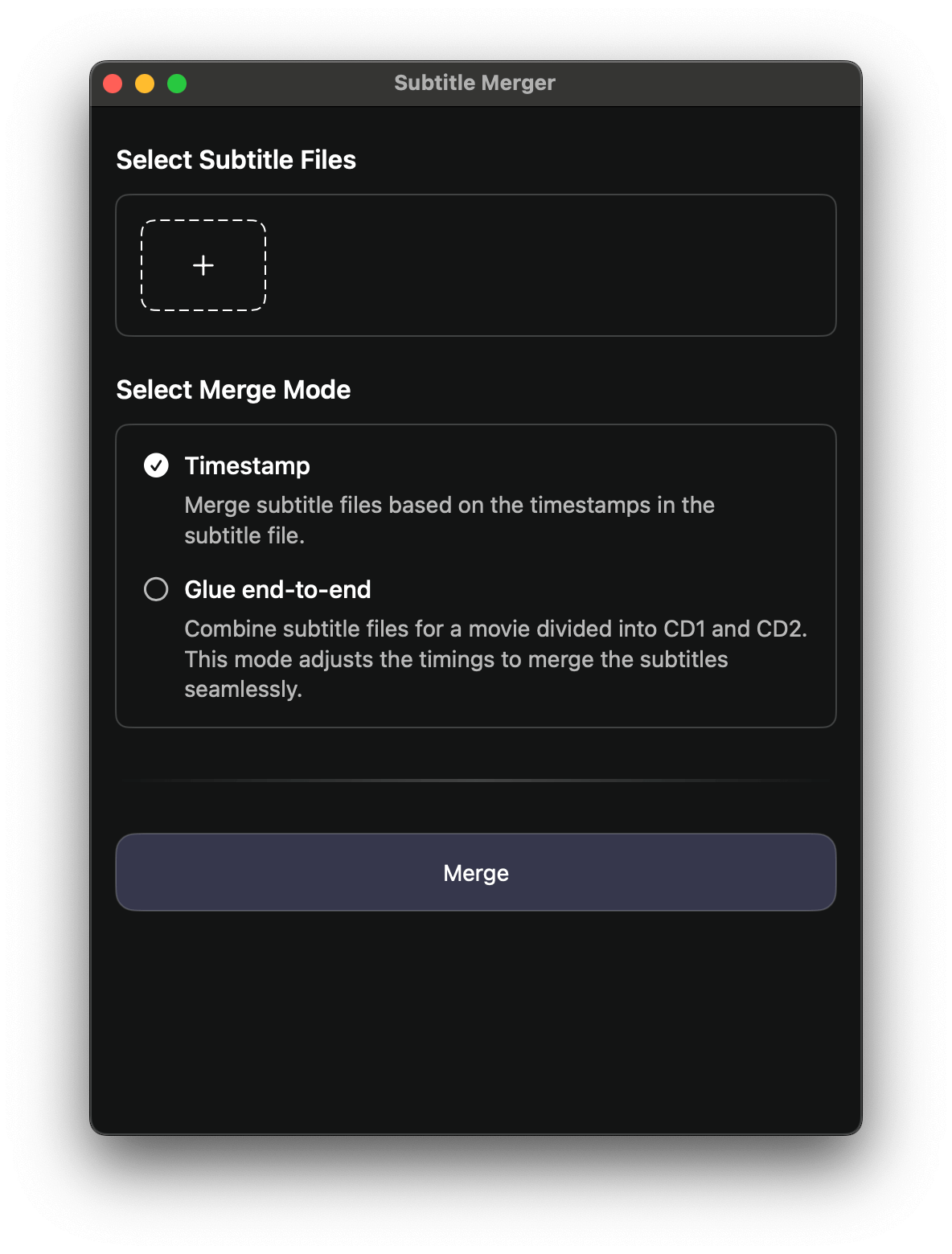
SubEasy features a powerful built-in subtitle merger that allows users to effortlessly combine multiple subtitle files into a single SRT file. With its intuitive interface and seamless functionality, SubEasy makes subtitle merging quick and easy, saving you time and effort when working with multiple subtitle tracks.
How to merge Subtitles?
1. Select any subtitle files in the available formats (SRT, VTT).
2. Select merge mode.
3. Click "Merge".