Good subtitles make videos easier to watch, easier to understand, and easier to discover. They help viewers follow content in noisy places, support people who watch with sound off, improve accessibility, and make short-form videos, lessons, interviews, podcasts, and product demos feel more polished.
That workflow is now more portable: SubEasy is available on iPhone. You can generate subtitles from audio or video, edit captions, review timing, translate subtitles, and export subtitle files directly from the device you already carry every day.
If you have ever searched for an iPhone subtitle editor, an AI subtitle generator for iPhone, or a simple way to edit SRT and VTT captions on iOS, SubEasy is designed to make that process feel faster and more focused.
Why an iPhone Subtitle Editor Matters
Video work no longer happens only at a desk. Creators record clips on iPhone, review footage while commuting, collect interviews at events, and publish social videos from wherever the work is happening. A mobile subtitle editor helps close the gap between capturing a video and making it ready to share.
With SubEasy for iPhone, you can start subtitle work right after recording. Instead of waiting until you return to a Mac or iPad, you can generate a first subtitle draft, clean up the text, fix timing, and prepare captions while the idea is still fresh.
Generate Subtitles on iPhone with AI
SubEasy uses AI speech-to-text technology to turn spoken audio into subtitles. Import your audio or video, generate captions, and use the subtitle editor to review the result line by line.
This is useful for YouTube videos, TikTok and Instagram Reels, online courses, product walkthroughs, interviews, podcast clips, lectures, and internal training videos. Wherever your video starts, SubEasy helps you move from raw speech to editable subtitles without building a complicated workflow.
Learn more about generating subtitles for videos with AI.
Edit Subtitle Text, Timing, and Readability
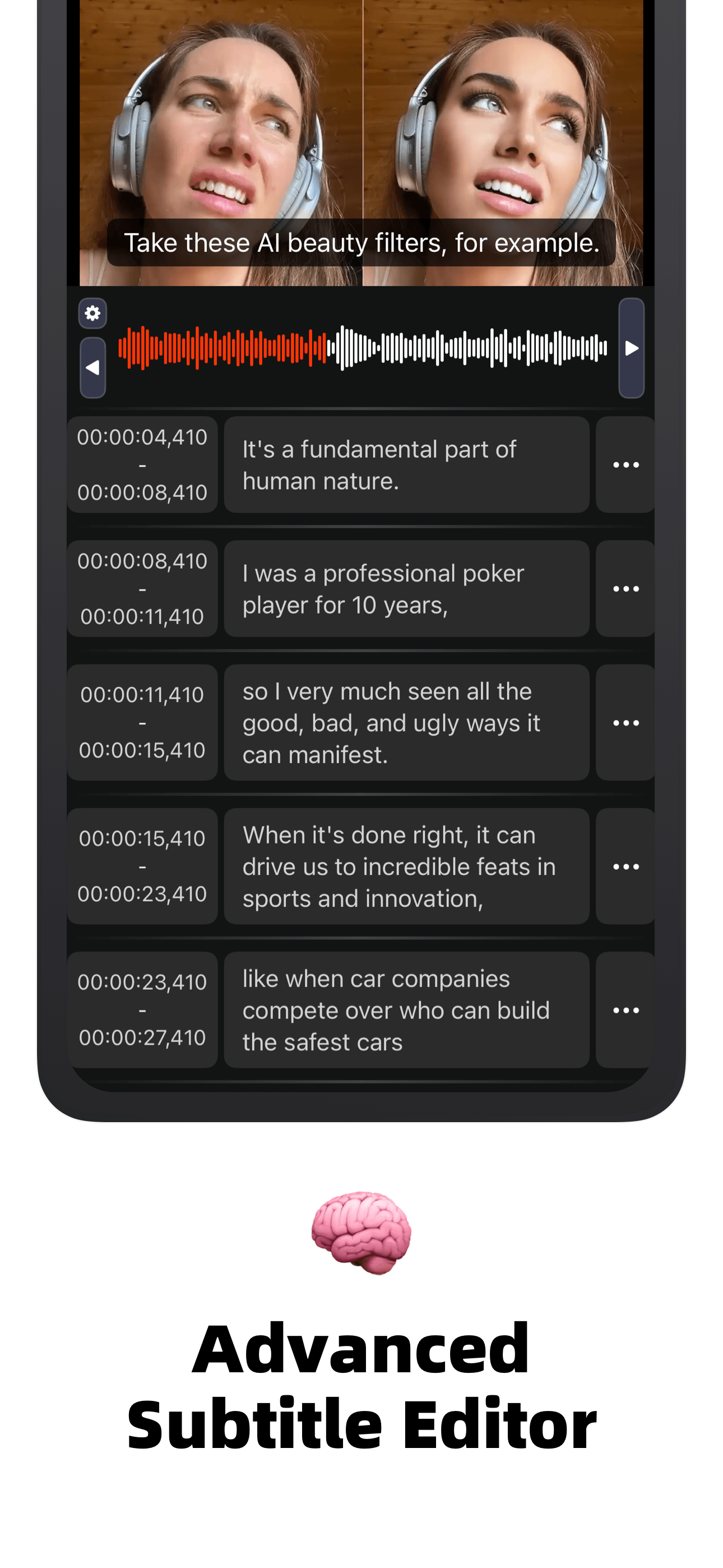
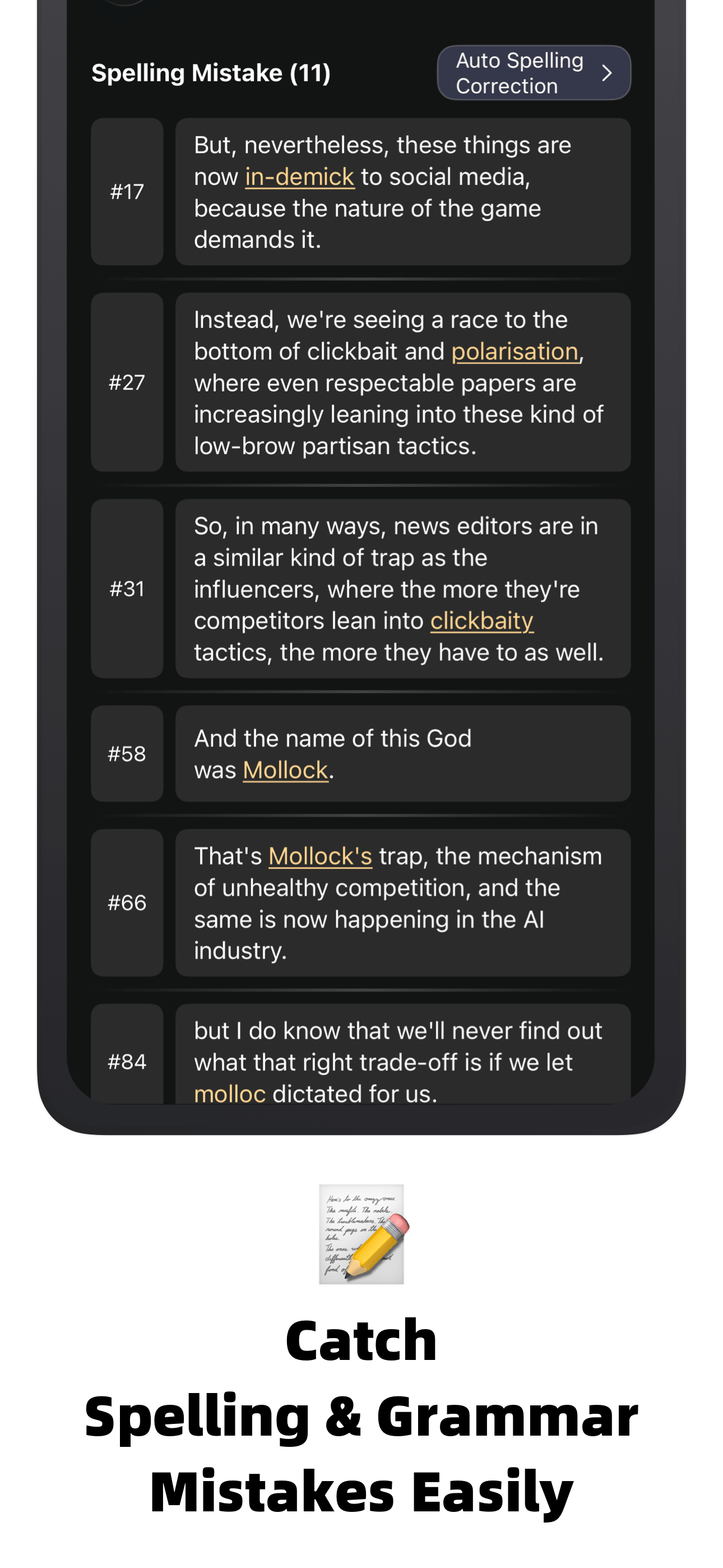
Automatic captions are a strong starting point, but final subtitles still need human judgment. SubEasy gives you a dedicated subtitle editor so you can correct wording, adjust line breaks, review timing, and improve readability before publishing.
For creators, that means fewer distracting errors. For educators, it means clearer lessons. For businesses, it means cleaner product videos and more professional captions. For accessibility, it means viewers get subtitles that are easier to follow from the first line to the last.
Explore SubEasy's advanced subtitle editor features.
Work with SRT and VTT Subtitle Files
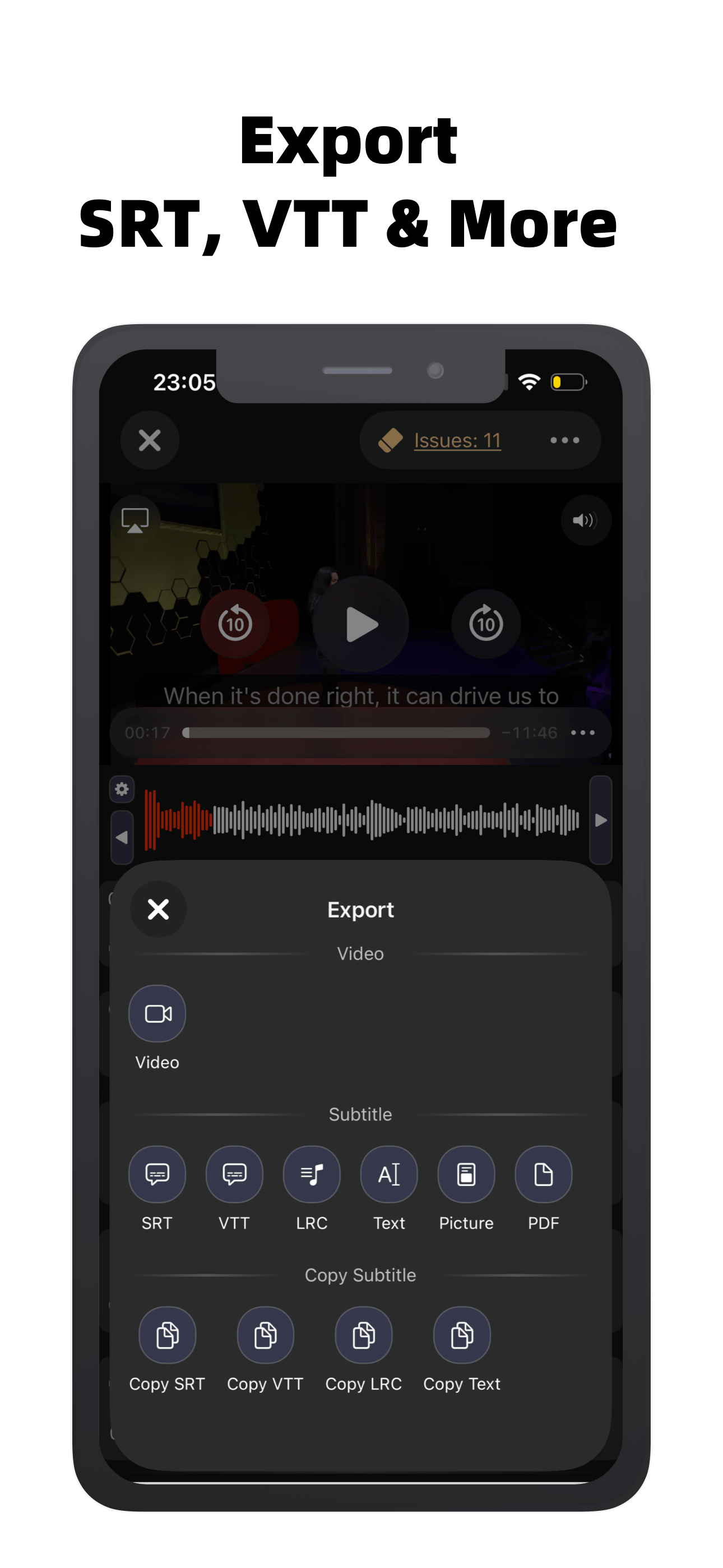
SubEasy supports common subtitle workflows, including SRT and WebVTT. That matters because SRT and VTT files are widely accepted by video platforms, learning platforms, website video players, and localization teams.
After editing, you can export subtitle files for upload, sharing, archiving, or handoff to collaborators. This makes SubEasy useful whether you are creating captions for a single social clip or preparing subtitles for a larger video library.
Translate Subtitles for More Viewers
Subtitles are not only about accessibility; they are also a practical way to reach audiences in more languages. SubEasy can help translate subtitle content so you can prepare localized captions for viewers who speak different languages.
For creators and teams publishing internationally, this can turn one source video into multiple localized versions. For learners and educators, translated captions can make lessons easier to follow across language barriers.
Read how to translate subtitles using AI in SubEasy.
A Mobile Workflow for Creators, Educators, and Teams
SubEasy for iPhone is especially helpful when subtitle editing is part of a larger publishing routine. You can record a clip, generate captions, review the transcript, fix subtitle timing, translate the result, and export files without leaving iPhone.
That makes the app a good fit for creators posting frequent short videos, educators preparing course clips, marketers publishing product explainers, podcasters repurposing audio into video, and teams that need fast captions for internal or public communication.
FAQ: SubEasy for iPhone
Can I generate subtitles on iPhone? Yes. SubEasy for iPhone lets you generate subtitles from audio or video, then review and refine the result in the subtitle editor.
Can I edit SRT and VTT subtitles on iPhone? Yes. SubEasy supports common subtitle formats such as SRT and WebVTT, helping you edit and export captions for modern video platforms.
Is SubEasy only for professional editors? No. SubEasy is built for creators, educators, marketers, podcasters, and anyone who needs an easier way to create accurate subtitles.
Get Started with SubEasy on iPhone
If your videos need captions, translations, or cleaner subtitle files, SubEasy for iPhone gives you a portable way to do the work. Generate subtitles, edit them carefully, export SRT or VTT files, and make your videos easier to watch wherever your audience finds them.
